
KitchenAid Oven Not Heating Evenly? 4 Common Causes and What to Do
Your KitchenAid oven used to bake evenly, but now cookies are burned on the left and raw on the right. Or the oven takes 25 minutes to preheat when it used to take 10.
Or the temperature display says 350°F but your oven thermometer reads 290°F. These are all signs of the same underlying category of problem: the oven's heating system isn't performing correctly. KitchenAid ovens — whether gas or electric, wall-mount or range — are well-built appliances that typically last 15–20 years. But the heating components do wear out over time, and when they do, the symptoms usually show up gradually. You might not notice a 10-degree temperature drop, but you'll notice when your baking times are off and results are inconsistent.
Cause 1: Weak or Failing Gas Igniter
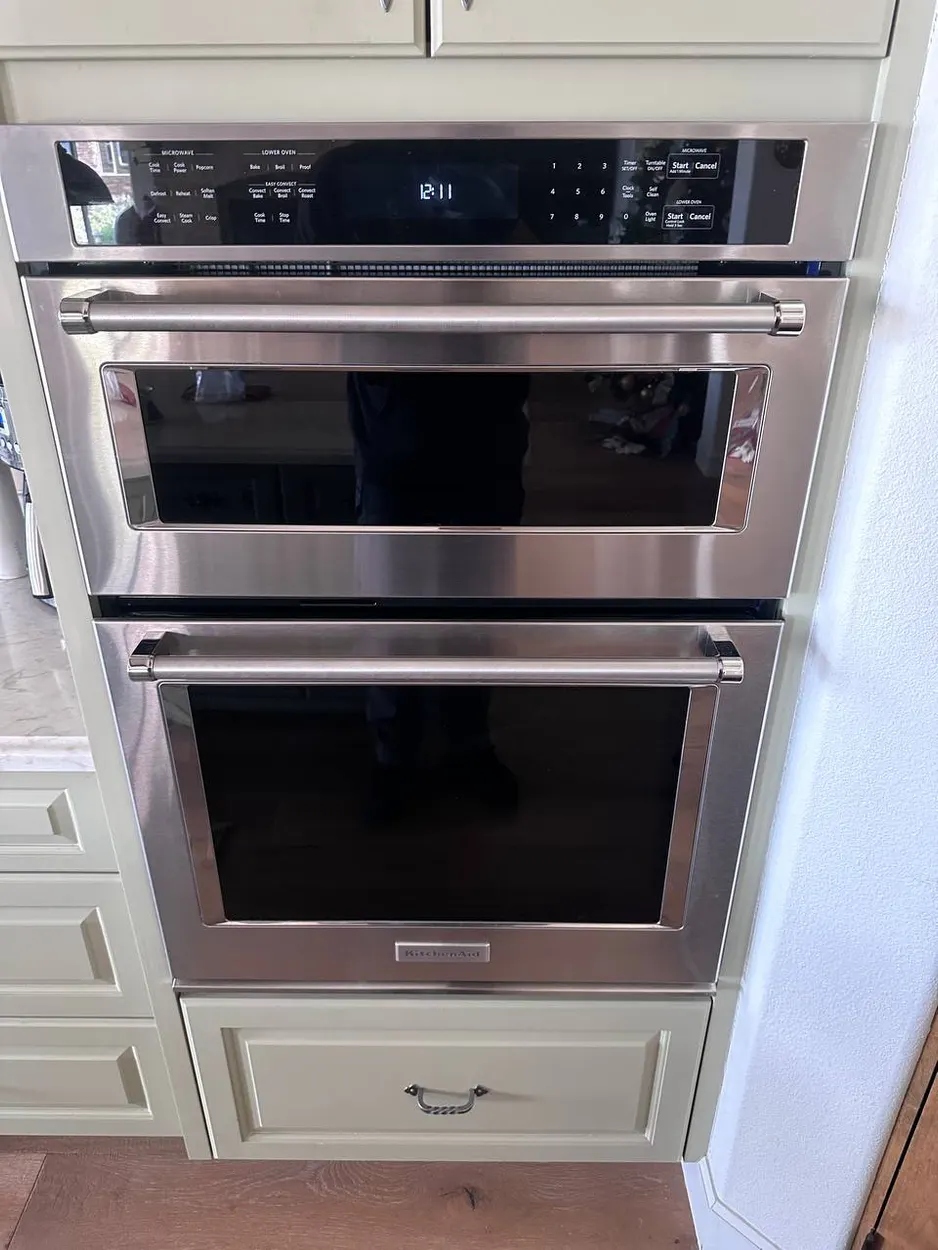
This is the most common cause of heating problems on gas KitchenAid ovens. The igniter is a silicon carbide element that glows hot enough to open the gas valve and ignite the burner. Over time, the igniter weakens — it still glows, but not hot enough to draw sufficient current to open the gas valve fully or quickly.
Signs: The oven takes much longer to preheat (20+ minutes instead of 10). You can see the igniter glowing in the oven cavity, but it takes a long time before the gas actually lights. The oven cycles on and off more frequently than normal. Temperature swings are wider than they should be (you set 350°F but the oven oscillates between 310°F and 380°F).
DIY check: Open the oven, remove the bottom panel, and observe the igniter during a preheat cycle. If it glows for more than 90 seconds before the gas ignites, the igniter is weakening and should be replaced. Igniter replacement on most KitchenAid models runs from $250 installed.
Cause 2: Faulty Oven Temperature Sensor
The temperature sensor (also called the oven probe or RTD sensor) is a thin metal rod that extends into the oven cavity from the back wall. It measures the actual temperature inside the oven and sends that data to the control board, which decides when to turn the heating element or gas burner on and off.
When the sensor fails or drifts out of calibration, the oven thinks it's hotter or cooler than it actually is. Result: the oven either overheats (burning food) or underheats (raw centers, long cook times).
DIY check: If your KitchenAid oven has a diagnostic mode (check your manual — most models built after 2010 do), you can read the sensor resistance. At room temperature, the sensor should read approximately 1,080 ohms. If it's significantly off, the sensor needs replacement. Alternatively, place an oven-safe thermometer in the center rack and compare the reading to the display after a 20-minute preheat.
Cause 3: Burned-Out Bake or Broil Element (Electric)
If you have an electric KitchenAid oven, the bake element (bottom) and broil element (top) can burn out over time. When a bake element fails, heat only comes from the top — resulting in uneven cooking with the top browning while the bottom stays pale. When a broil element fails, you lose top browning entirely.
Signs: Visible damage on the element — look for blistering, cracks, holes, or spots that glow unevenly (some sections bright red while others stay dark). If the element has a visible break, it's definitely failed. On some models, a burned-out element may also trip the kitchen circuit breaker.
Element replacement is one of the more straightforward oven repairs — most bake and broil elements are held by 2–4 screws and a wiring connector. However, always disconnect the oven from power before attempting this.
Cause 4: Convection Fan Issues
If your KitchenAid oven has a convection feature, the fan at the back of the oven cavity circulates hot air for even heating. When this fan fails — or if its heating element (many convection ovens have a separate element around the fan) fails — convection baking produces the same uneven results as a standard oven with a problem.
Signs: Convection mode produces the same results as standard mode. You don't hear the fan running when convection is selected. There's no air movement inside the oven during convection cycles. Food at the back of the oven cooks differently from food at the front.
DIY check: Run the oven in convection mode and carefully open the door. You should feel warm air moving. If the air is still, the fan motor may be dead. If there's air movement but cooking is still uneven, the convection heating element may be the issue.
When to Call a Professional
Oven heating issues are harder to DIY than washer or dishwasher problems because they involve gas connections, high-voltage elements, or control board diagnostics. If your KitchenAid oven is consistently off-temperature, burns food unevenly, or takes too long to preheat, a professional diagnosis will identify the exact component and give you a written repair quote before any work starts.
Our technicians service KitchenAid ovens across the Escondido area and carry the most common replacement parts — igniters, sensors, and elements — on every call. Most oven repairs are completed in a single visit.
Key Takeaways
| Most common cause | Weak igniter (gas) or burned-out bake element (electric) |
| Error codes | Check display for F-codes; consult manual for model-specific codes |
| DIY success rate | ~20% (most heating repairs need a technician) |
| When to call | Consistently off-temperature, burns food unevenly, long preheat times |
KitchenAid oven not heating right?
Our technicians carry igniters, sensors, and elements on every call and complete most repairs in a single visit. $90 diagnostic applied toward repair · 90-day guarantee · Call (858) 886-8646
Open 7am to 9pm, every day
Call Now: (858) 886-8646 — Book Online & Save $20
Frequently Asked Questions
Why does my KitchenAid oven burn food on one side and leave it raw on the other?
Uneven baking almost always traces back to the heating system rather than the recipe. On an electric oven a burned-out bake element means heat only comes from the top, browning the surface while the bottom stays pale. On a convection model a dead fan stops circulating hot air, so back-to-front results differ. A drifting temperature sensor can also cause the oven to over- or under-heat. Identifying which one calls for testing the elements, sensor, and fan.
Why does my KitchenAid oven take so long to preheat?
On a gas oven, slow preheating is the classic sign of a weakening igniter. The silicon carbide igniter still glows but no longer draws enough current to open the gas valve quickly. If you watch it and the gas takes more than about 90 seconds to light after the igniter glows, the igniter is on its way out and should be replaced. Replacing it restores fast, consistent preheating.
Can I check the oven temperature accuracy myself?
Yes, and it is a useful first step. Put an oven-safe thermometer on the center rack, preheat to 350°F, and compare the reading to the display after about 20 minutes. A gap of more than 25 degrees usually points to a faulty temperature sensor. If your model has a diagnostic mode, the sensor should read around 1,080 ohms at room temperature. A reading far off that confirms the sensor needs replacement.
Should I attempt an oven repair myself or call a professional?
Oven repairs are harder and riskier to DIY than washer or dishwasher work because they involve gas connections, high-voltage elements, or control board diagnostics — most heating jobs need a technician. Our team services KitchenAid ovens across the Escondido area and carries igniters, sensors, and elements on every call, so most repairs finish in one visit. The diagnostic is a flat $90 applied toward the repair, with a 90-day guarantee. Call (858) 886-8646 or book online to save $20.
Walked Through It and It Still Won't Cooperate?
Some fixes need a meter, a part, and a second pair of hands. Call us or book online — the $90 diagnostic comes off the bill when you approve the repair.